
Your saved quit-plan PDF looks readable but its text cannot be searched
Check the text your document actually contains before relying on search, copying or read-aloud access to a personal plan.
No Vape · Updated
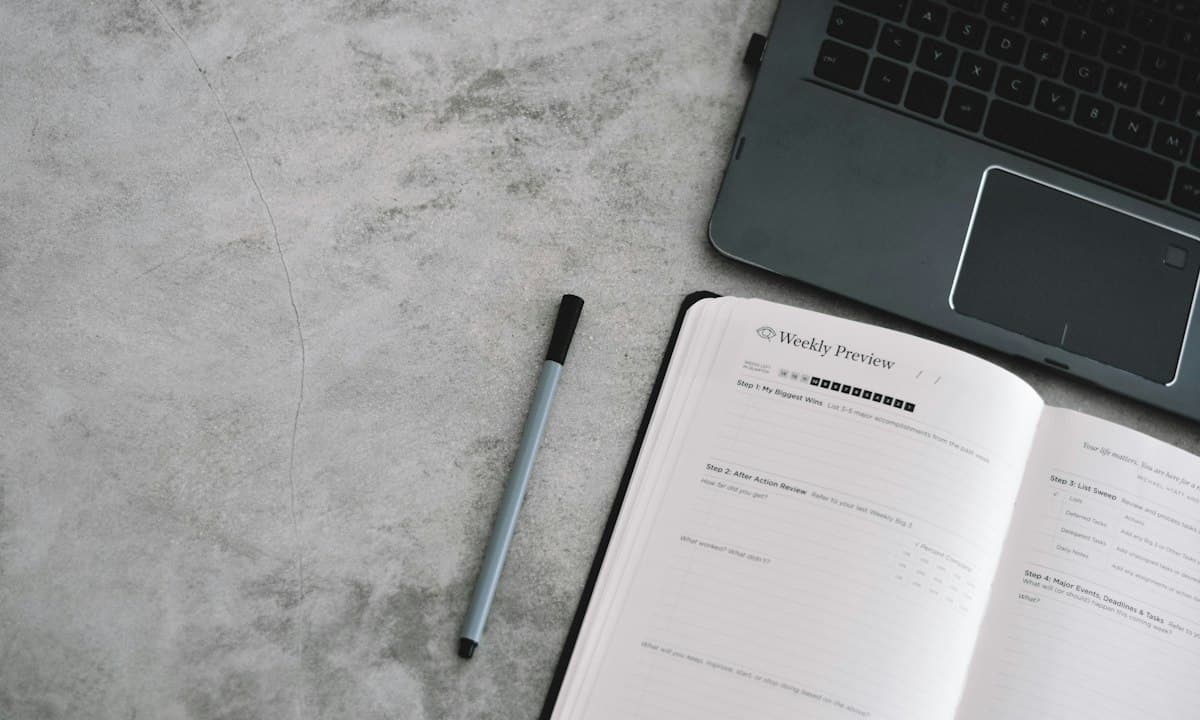
Name the access task the file must support
You might need to find an agreed contact time quickly, enlarge or listen to the next action, or copy a short sentence into your own note. A page that looks good in a thumbnail may still fail that task. Use a nonprivate part of the document to check the behavior before depending on it during an ordinary urge.
W3C’s PDF technique distinguishes scanned page images from actual text and describes OCR as a way to add text, followed by checking the result. We use that document distinction only. A successful search is not a complete accessibility certification, and the file extension alone does not establish reading order or usable text.
Check the file you actually retained
Open the saved version, not only the original editor or a preview shown before saving. Search for words you know appear, and inspect what a supported selection or text extraction returns. If search fails, the cause might be image-only content, a spelling difference or a problem with the reading tool; do not diagnose the file from one failed attempt alone.
In an invented example, an adult scans a handwritten planning sheet into a PDF. It visibly includes “message after the meeting,” but the intended reader cannot find or read those words as text. The owner keeps the scan as a visual reference and writes the short confirmed action in a text note they can actually use. No app export feature is assumed.
Keep recognized text separate from verified text
If you choose a genuine OCR function available in a tool you trust, compare the resulting essential instructions with the source. Names, times and a small word such as no can matter. Recognition producing selectable characters is a processing step, not evidence that every character or the reading order is correct.
You need not upload private plans to a new online conversion site or buy software to perform the basic check. If you cannot confirm the converted text, use a small personally verified version of the needed action. For professional instructions, obtain an appropriate accessible copy or clarification from the responsible service rather than silently repairing uncertain wording yourself.
Preserve usability without creating a document project
Keep the current essential action and any necessary confirmed contact detail available in a format that works for you. An elaborate historical PDF collection is optional. If two copies differ, identify the current owner-confirmed plan instead of merging uncertain sentences. Store the minimum private information needed for the purpose.
This is an original access checklist, not a PDF audit or a promise about any app’s export capabilities. No Vape’s public feature description does not establish PDF generation, OCR or screen-reader support for a particular file. The useful result is a verified way to read the next ordinary action, whether it lives in a text note, a suitable document or paper.
Sources and scope
Sources inform the guidance. The worksheets and examples are No Vape editorial suggestions, not tested treatments.
Written with AI assistance and checked against the cited sources. No clinical review is claimed. This guide covers practical planning, not individual medical treatment. How we research and write