
Check your saved quit-plan file before you go offline
Verify that the exact external planning file opens without a connection instead of relying on its shortcut or thumbnail.
No Vape · Updated
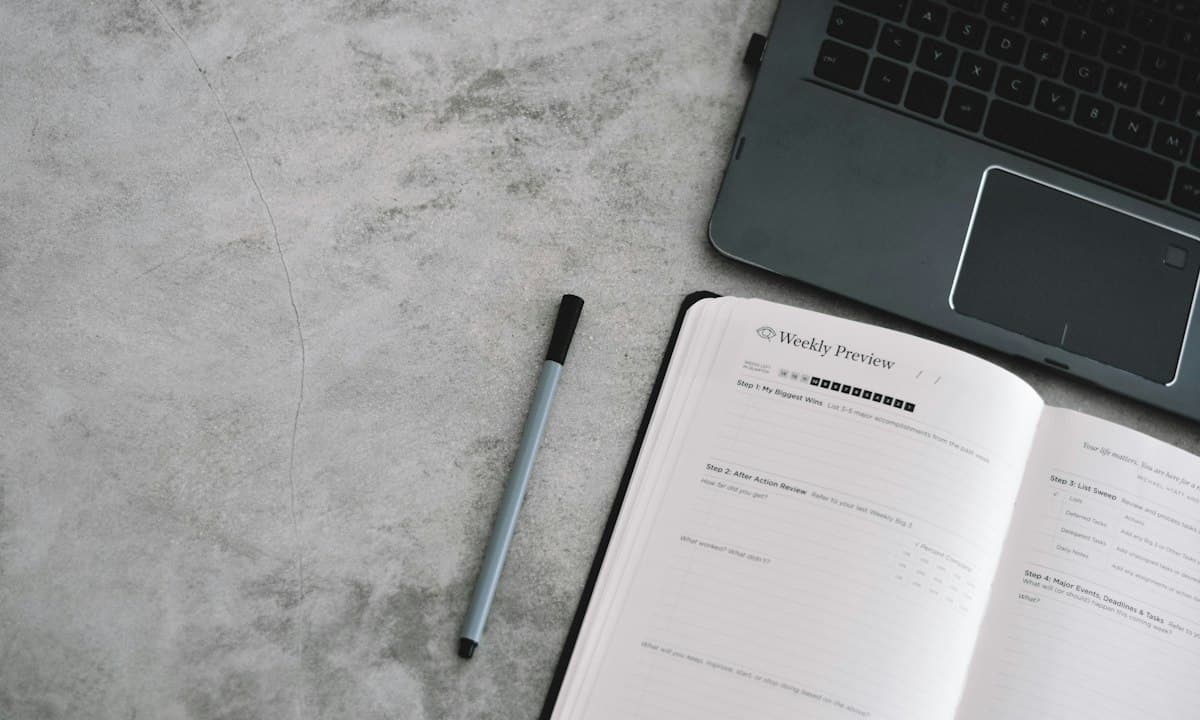
Choose the exact file and the moment you will need it
Perhaps you expect a connection gap during a trip or in a building where reception is unreliable. Select the particular external document holding your own next routine action. Opening every old journal is unnecessary. Identify the current words and any agreed contact detail before thinking about storage settings, so an accessible older copy does not become the plan by accident.
This check concerns an external cloud document you already use. It does not establish that a mobile quit tracker works offline, that a support person can answer without connectivity or that every website can be saved. If the next step requires an online exchange, a downloaded sentence cannot make that exchange available.
Use the provider’s actual offline arrangement
Google Drive’s first-party help distinguishes making supported files available offline from ordinary online access, with requirements that depend on the file and device route. It also provides an offline preview for its web workflow. Consult your actual tool rather than assuming a recent-file icon means the document has been retained locally.
Arrange this while connected and allow the documented preparation to finish. Use your own permitted account and device. Consider whether storing the selected content locally fits the privacy you need on that device. You do not have to make an entire shared folder available merely to preserve one ordinary planning line.
Verify the retained content, not only the setting
Follow the service’s documented offline check, or a brief safe reading check without connectivity when appropriate. Do not interrupt another task or an important support call to run it. Open the selected file in the way you intend to use later and read the complete next action, including conditions such as whether another person has confirmed a time.
For a fictional example, someone sees a planning document in a cloud folder, but an offline check shows only its name. They arrange supported offline access and verify the essential wording before departure. If the function still fails, a checked paper prompt may cover the immediate action. They leave account passwords and unrelated personal history out of that prompt.
Account for changes after the check
Write a small version cue if the online plan is still being edited. A retained copy cannot be assumed to include later changes made elsewhere. After connectivity returns, compare actual edits through the provider’s supported route before treating offline and online material as identical. Keep unresolved differences visible rather than overwriting whichever copy is easiest to open.
A successful check establishes availability of the tested content at that moment. It is not a permanent backup guarantee, a full restoration test or evidence that a planning method reduces cravings. The result you need is a current usable action during the expected gap, plus clarity about anything that still depends on a connection.
Sources and scope
Sources inform the guidance. The worksheets and examples are No Vape editorial suggestions, not tested treatments.
Written with AI assistance and checked against the cited sources. No clinical review is claimed. This guide covers practical planning, not individual medical treatment. How we research and write